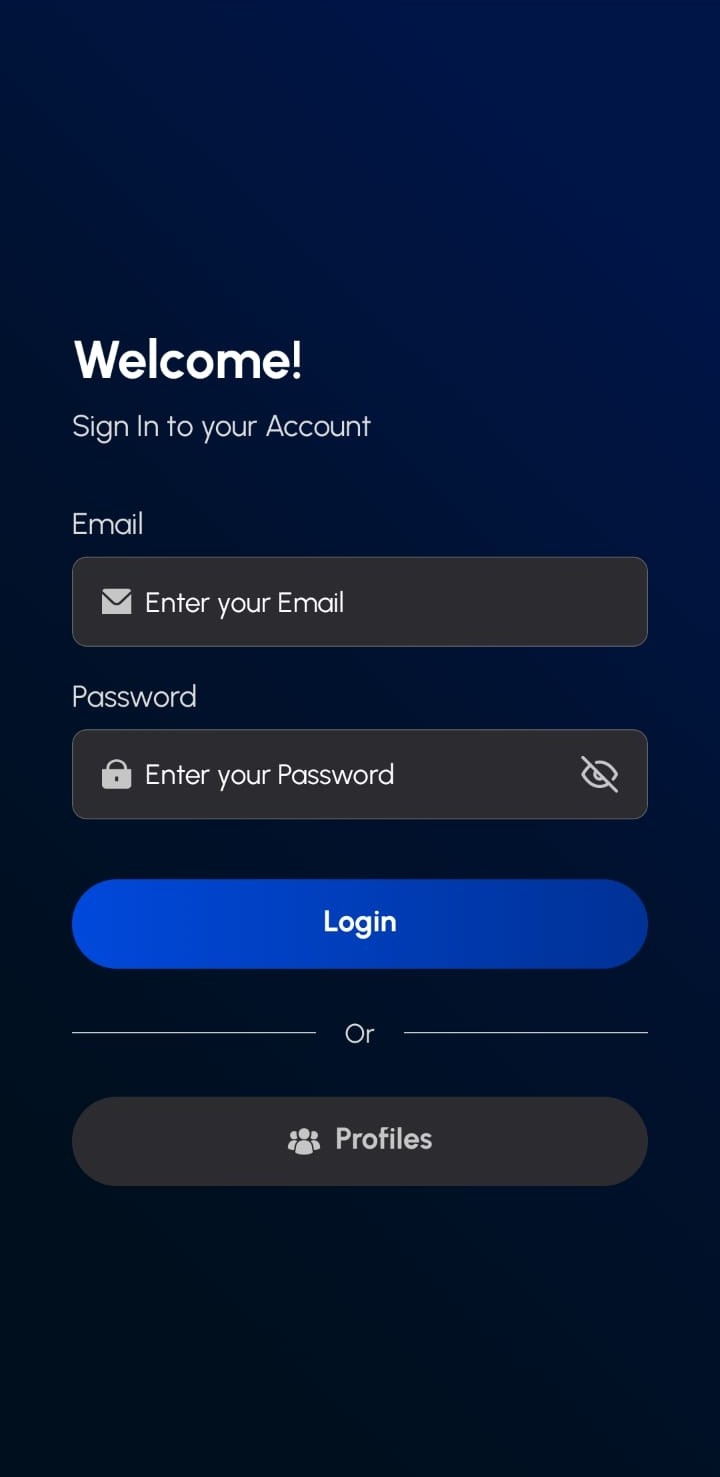
¶ Log In
- Enter your registered email address in the Email field
- Enter your password in the Password field
- Tap the "Login" button to access your account
¶ Alternative Access:
- Tap "Profiles" if you need to select from multiple user profiles or access account management options
¶ How to Use Profiles
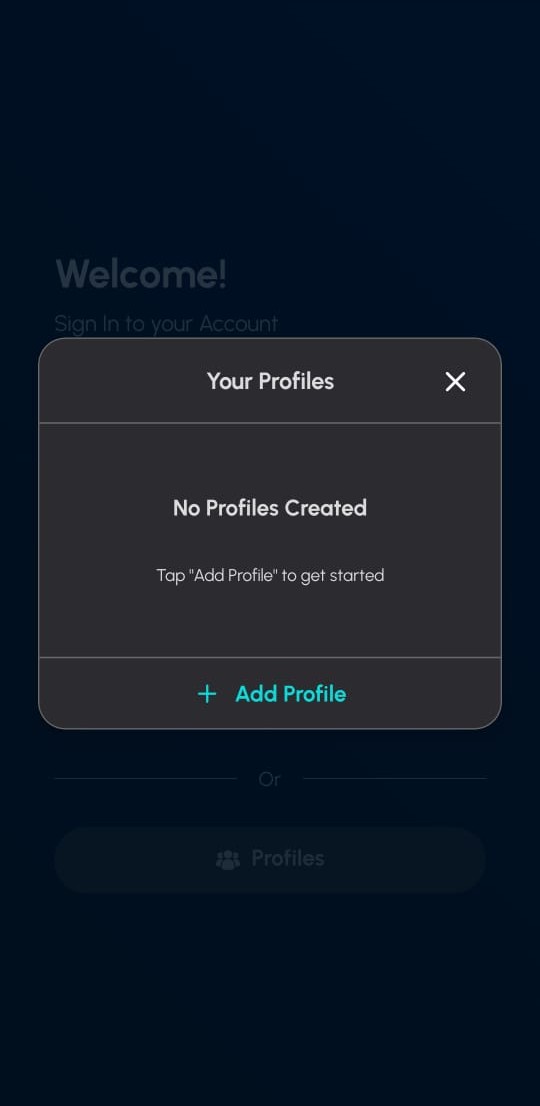
To Access Profiles:
- From the main login screen, tap the "Profiles" button
- The profiles dialog will open showing your available profiles
To Create a New Profile:
- In the profiles dialog, tap the "Add Profile" button
- Follow the prompts to set up your new profile
- Your new profile will appear in the list for future use
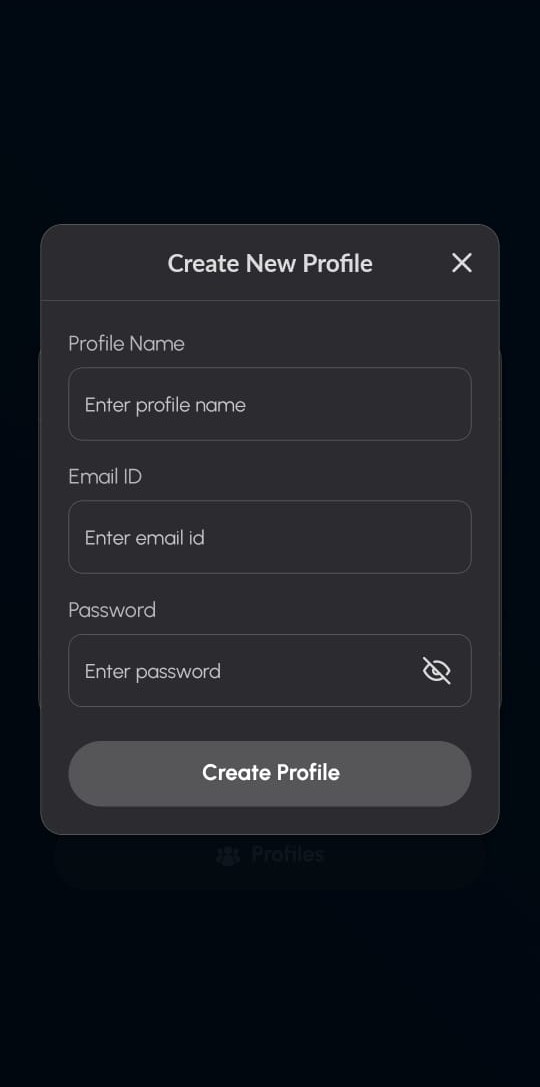
To Create a Profile:
- Enter a Profile Name in the first field
- Enter your Email ID in the second field
- Enter your Password in the third field
- Tap the "Create Profile" button to save the new profile!